Learn together, grow together.
StudyMatch is the AI-powered study companion built for South African high schoolers. Join live study rooms, ask an AI tutor anything, auto-generate flashcards, and crush CAPS-style exams — on your phone or in your browser.
- 7
- Subjects
- 24/7
- AI Tutor
- 100%
- CAPS-aligned
Everything you need
A full study toolkit in your pocket
Every feature is built around the CAPS curriculum and the way South African learners actually study.
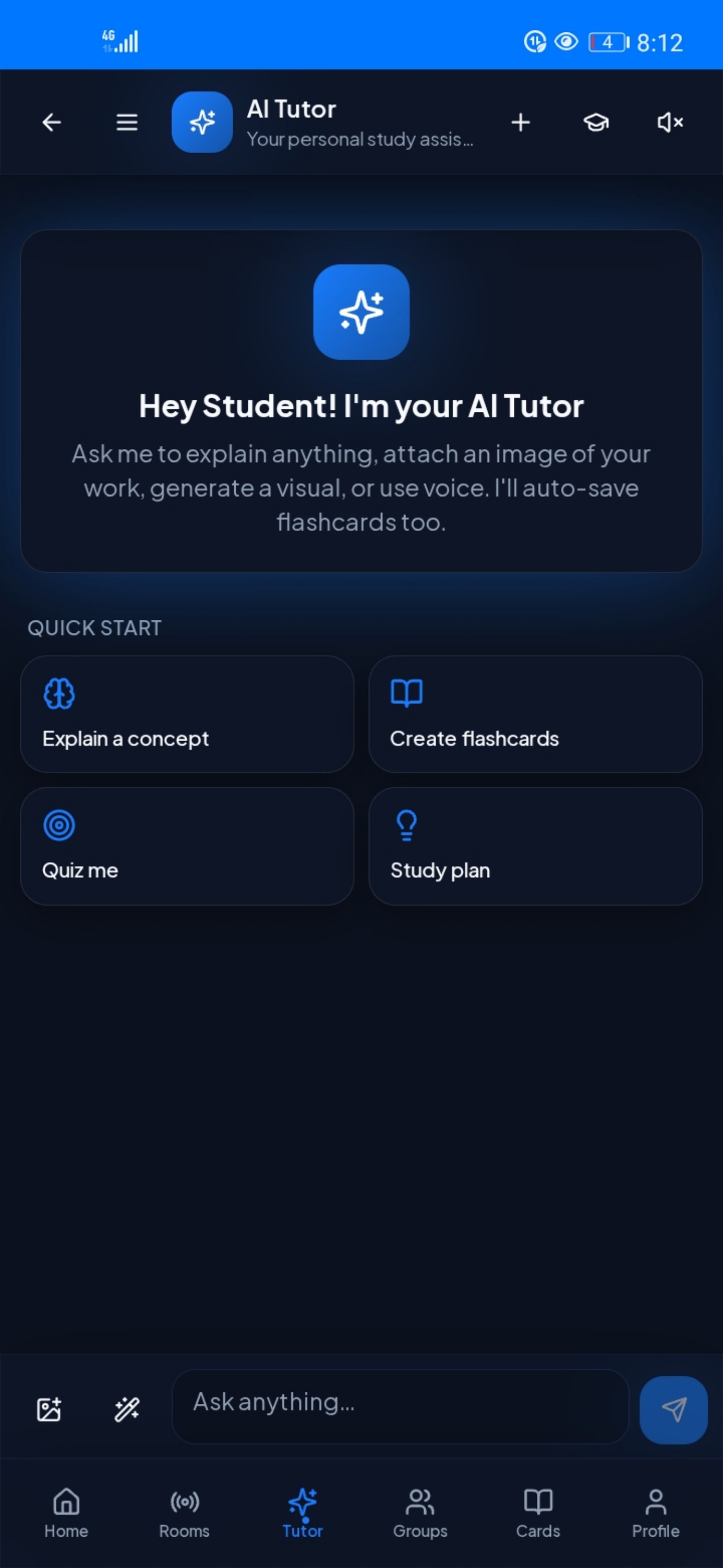
AI Tutor
Explain concepts, generate quizzes, plan your week, and attach images of your work — 24/7.
Live Study Rooms
Voice, video and screen-share sessions with your classmates and teachers.
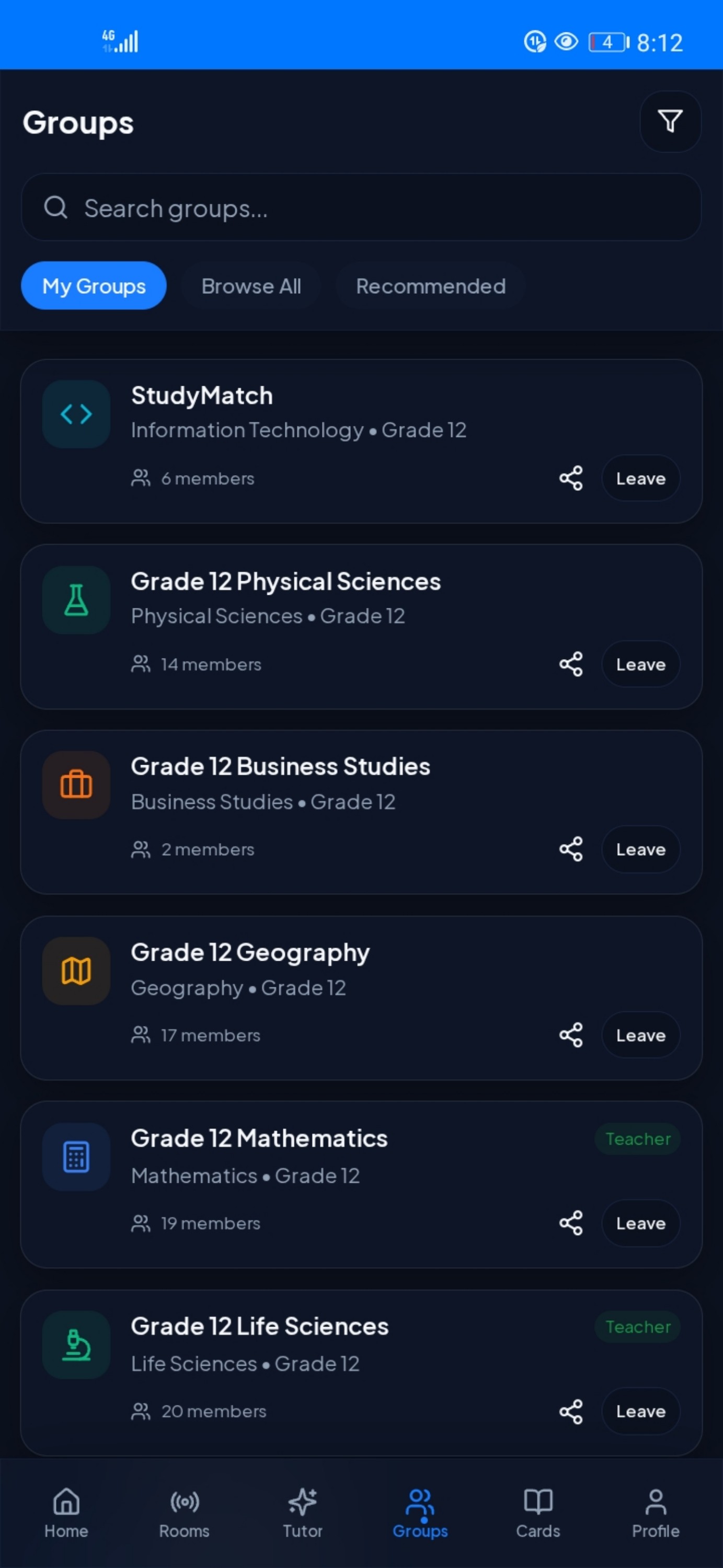
Subject Groups
Join grade-specific groups across Maths, Sciences, English and more.
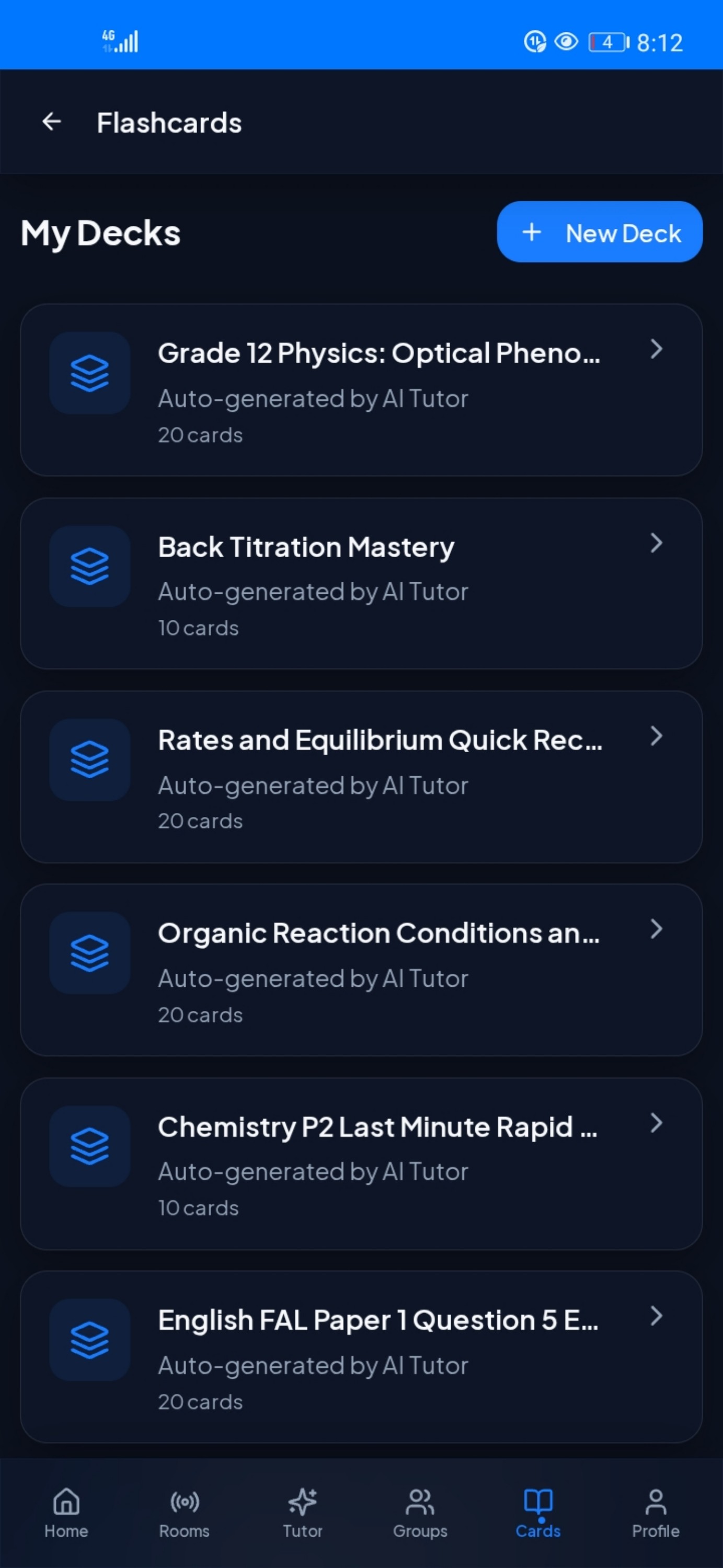
Smart Flashcards
Auto-generated decks from your notes, chats and PDFs — mastered with spaced repetition.
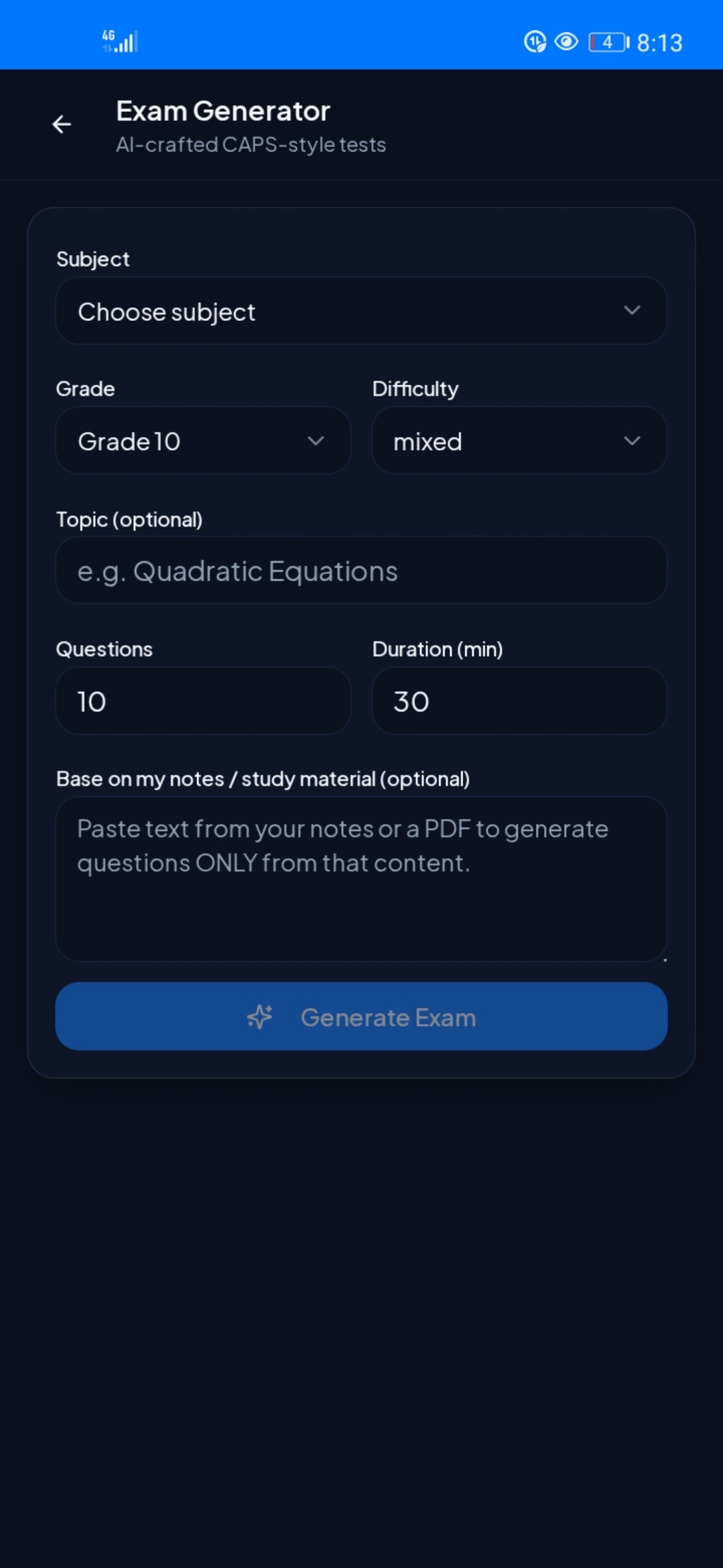
CAPS Exam Generator
Craft custom tests by subject, grade, topic and difficulty — even from your own notes.
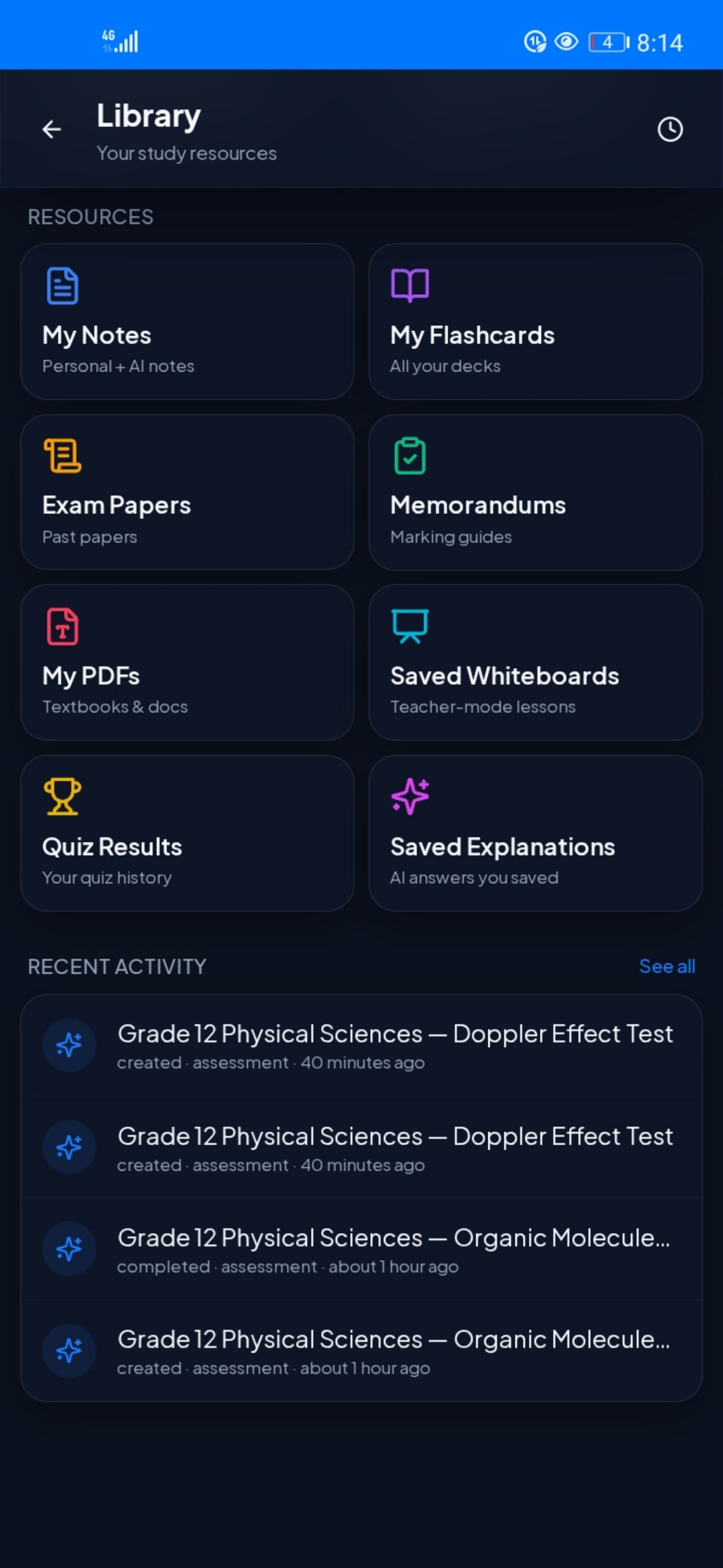
Personal Library
One home for notes, past papers, memos, textbooks and saved AI answers.
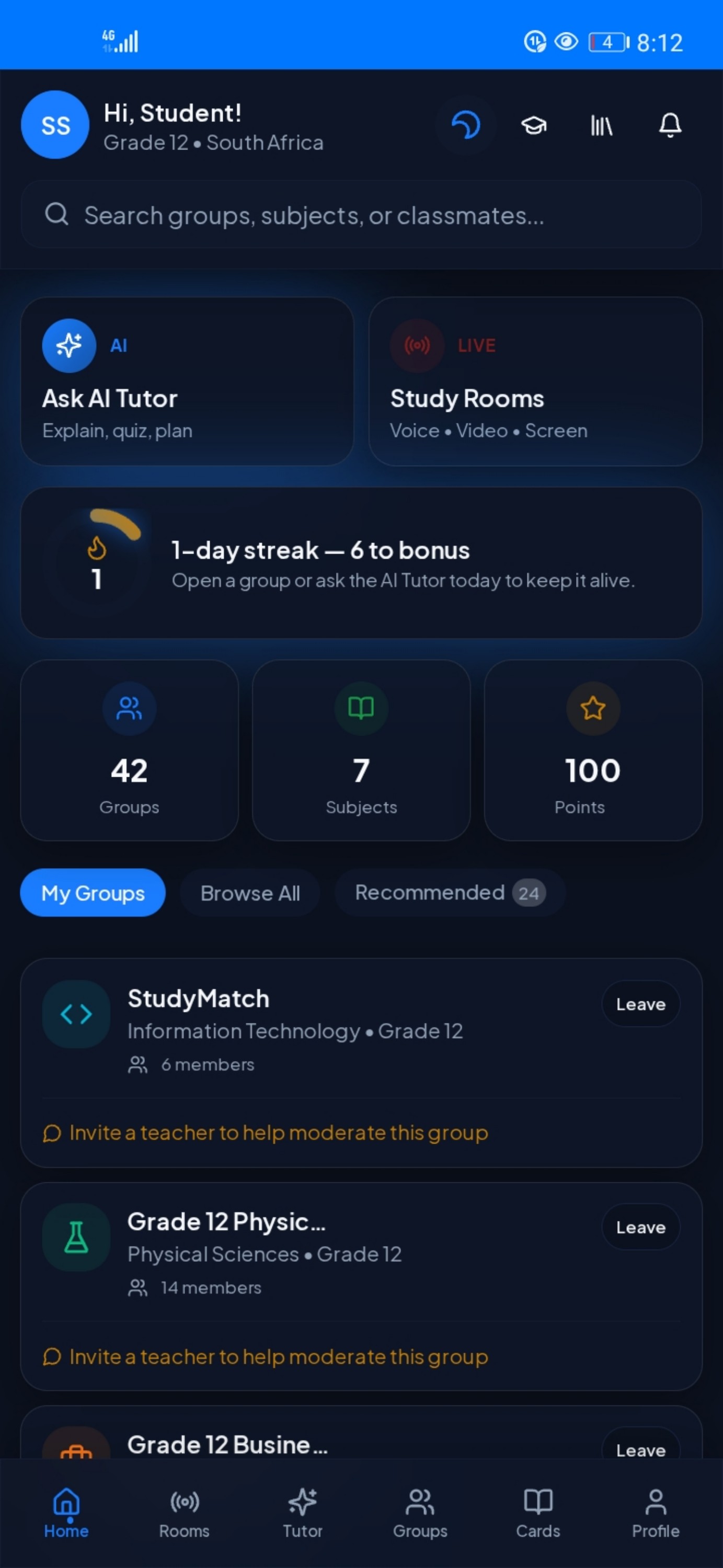
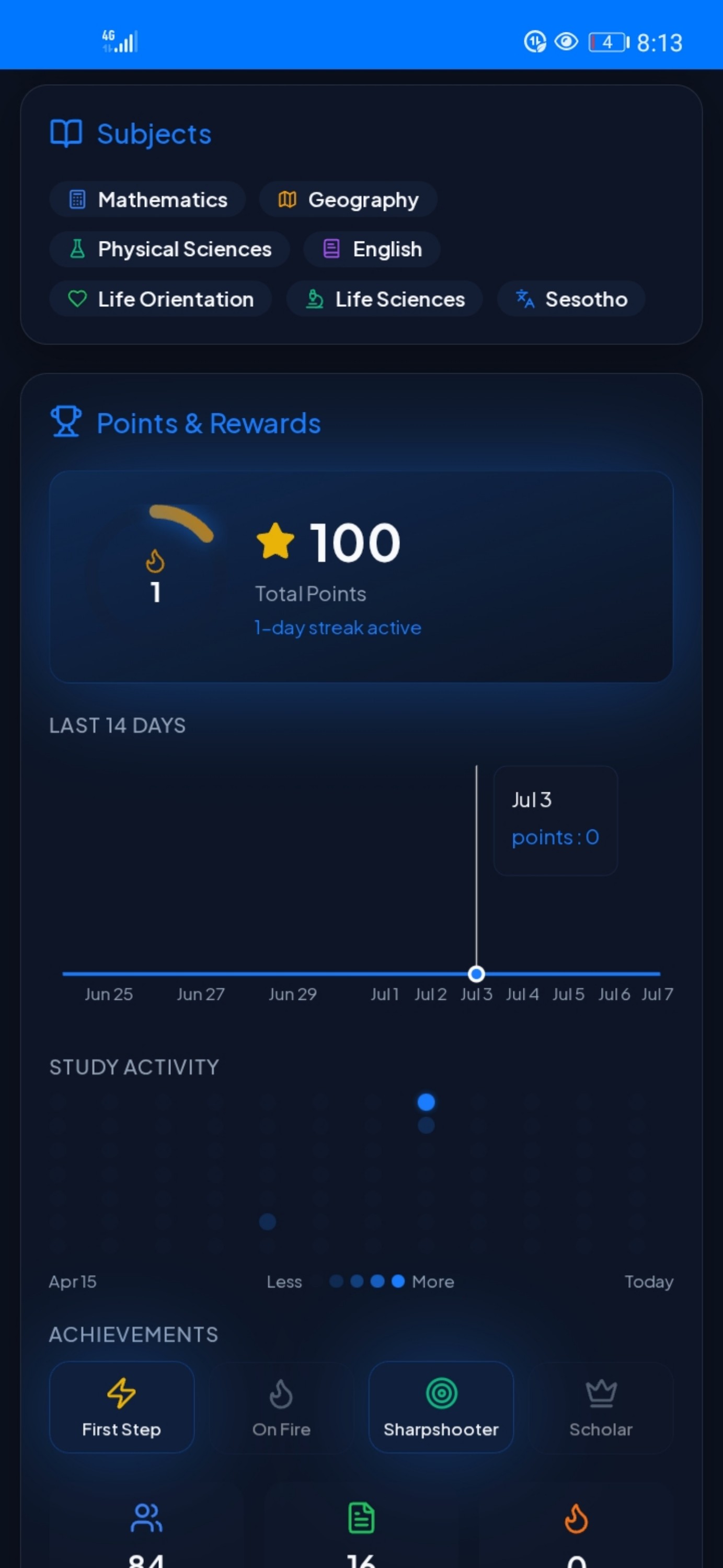
Points & Streaks
Earn points, build streaks and unlock achievements as you study.
Teacher Mode
Save whiteboard lessons and invite teachers to help moderate your groups.
Every screen, considered
A tour of the app
Get StudyMatch
Download on your device
Available on Android today, iOS via Safari, and in any browser. No install required — open the web app instantly on desktop or mobile.
No install
Web App
Open StudyMatch in any browser — desktop or mobile — no download needed.
Open web appDirect download
Android APK
Latest build straight from us. Perfect if you're not on the Play Store.
Download APKiOS
iPhone & iPad
Not yet on the App Store. Install the web app on your home screen or run the APK on Android.
See iOS guideComing soon to the App Store
Android 8.0+ · iOS 15+ (via Safari)
Install StudyMatch on iOS
StudyMatch is not yet on the App Store. In the meantime, you have two easy ways to run it on your iPhone.
Open StudyMatch in Safari
Add to Home Screen only works from Safari — not Chrome or in-app browsers.
Tap the Share button
It's the square with an arrow pointing up at the bottom of the screen.
Choose "Add to Home Screen"
Scroll down in the share sheet until you see the Add to Home Screen option.
Tap "Add"
The StudyMatch icon lands on your home screen. Launch it like any other app.
Installation tutorial
Watch it done in under a minute
Tutorial video coming soon
The full step-by-step walkthrough will appear here.